Journey 1
Getting started.
From the landing page to your first crew message in under 90 seconds.
Landing page
The marketing landing lives at the root URL. There’s a clear hero, a quick rundown of the four agents, and a single CTA: “Try the live demo →”.
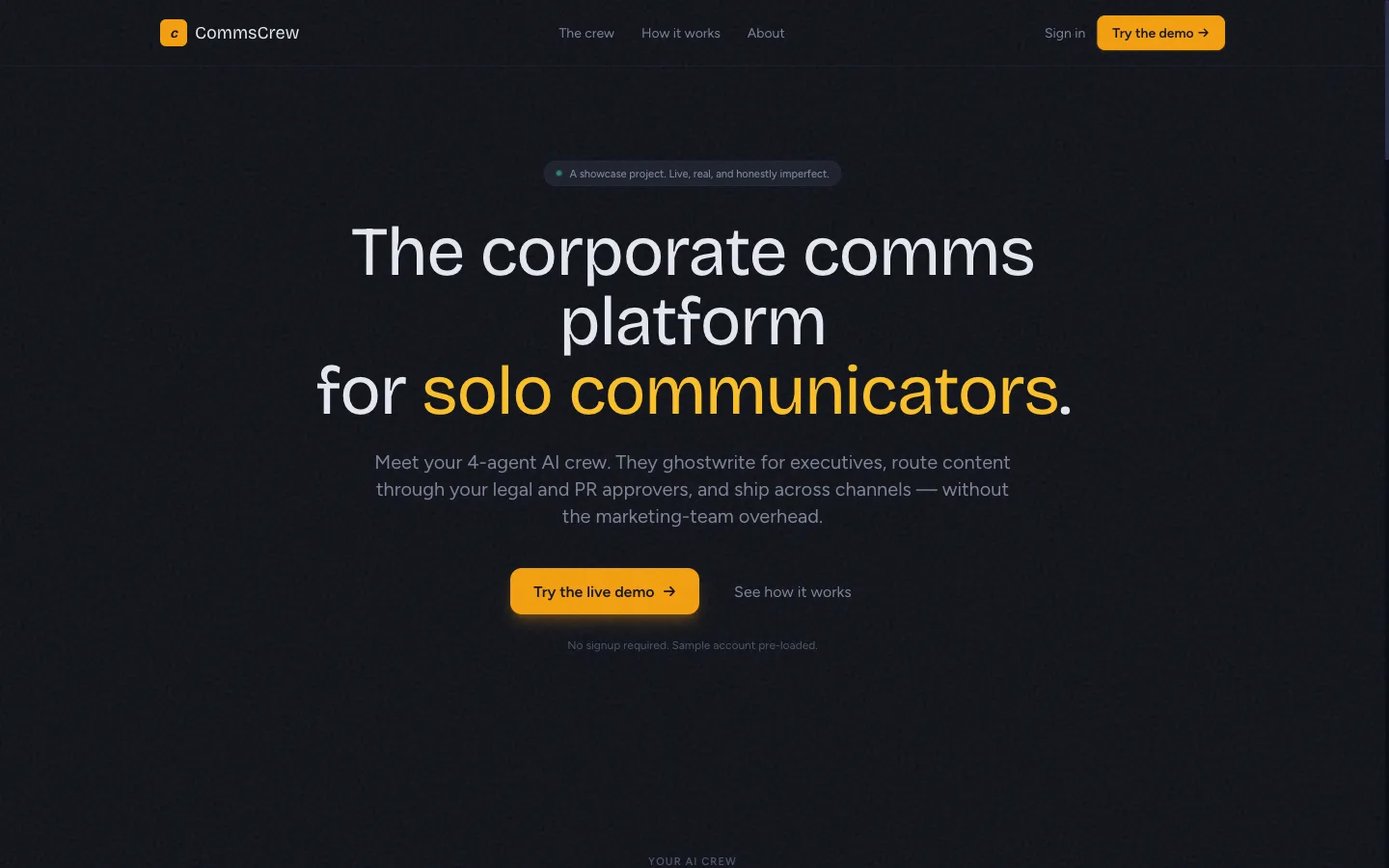
Clicking the CTA calls POST /api/v1/auth/demo, which creates a private workspace for you alone, seeded with Fernway, a fictional logistics-software company with a brand voice, two executives, past posts and a live campaign. You land on Compose with a starter brief. There is no password, nothing you do is visible to other visitors, and the workspace is deleted after 24 hours. To keep your work, register instead.
Login
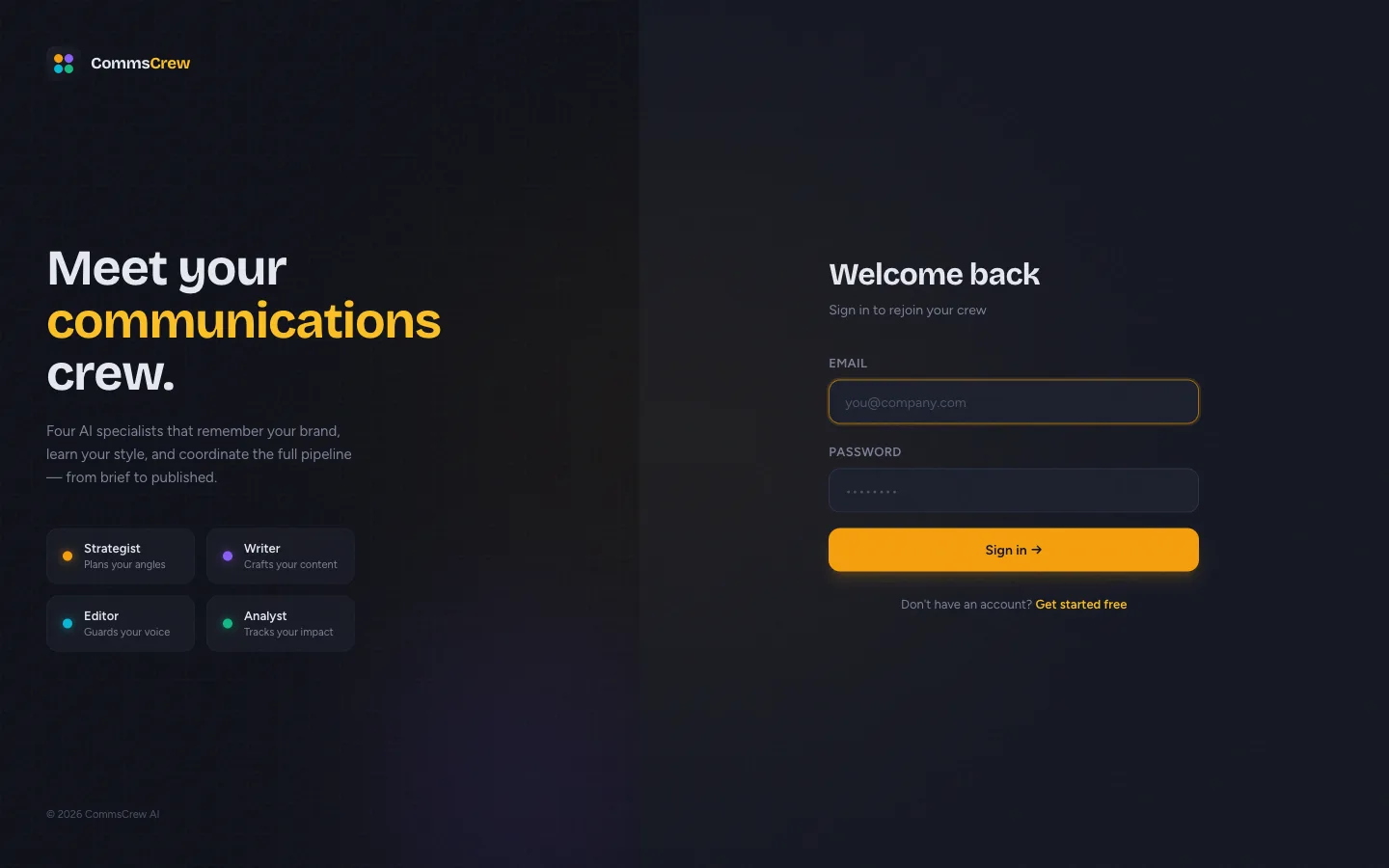
The login form is split-screen: brand panel on the left, form on the right. After successful auth the JWT is stored in a context (refreshable), and the app checks /api/v1/onboarding/status to decide where to send you. New accounts go to onboarding; existing accounts go straight to /dashboard.
First-login walkthrough
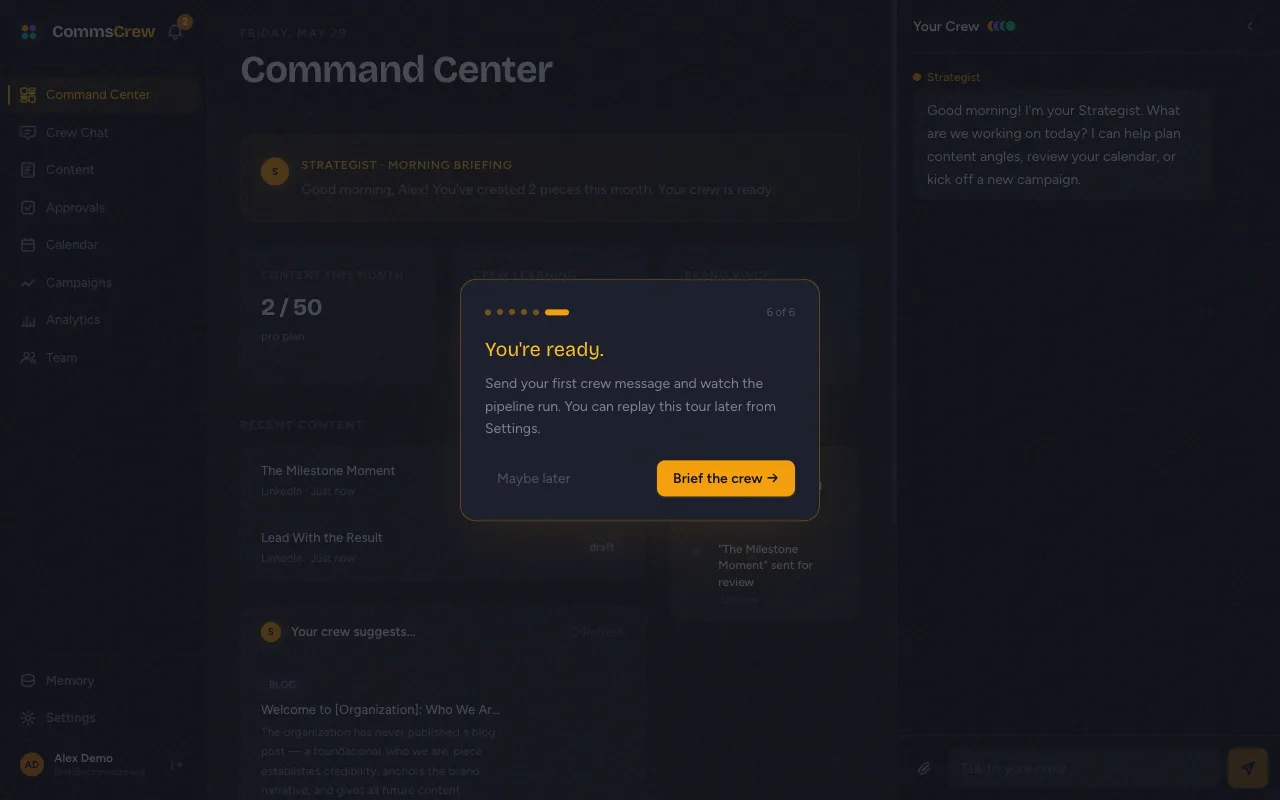
On the first time the user lands inside the product, a 6-step spotlight tour overlays the dashboard. It points at the four agents, the sidebar nav, the right-side crew panel, and ends with a CTA to brief the crew in Compose. It does not run in a demo workspace, which opens on Compose with a prefilled brief and its own note on what to try.
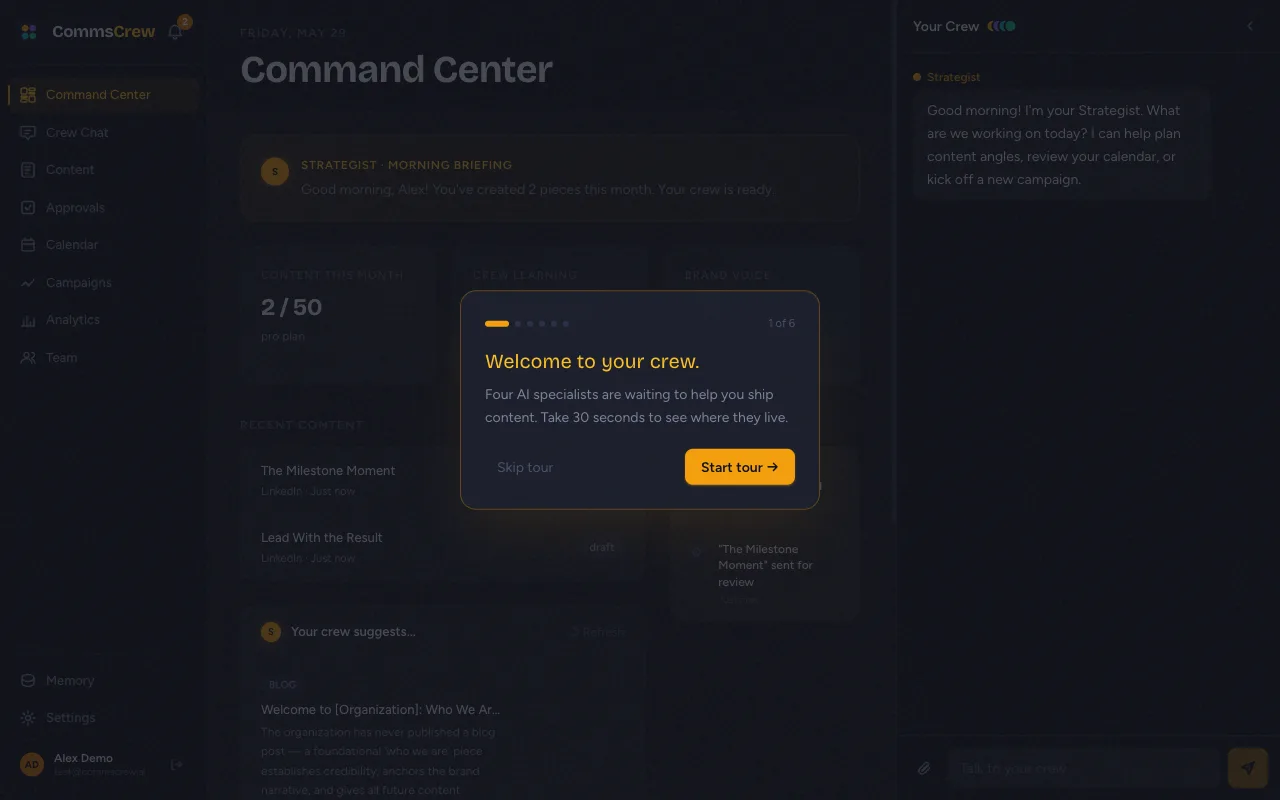
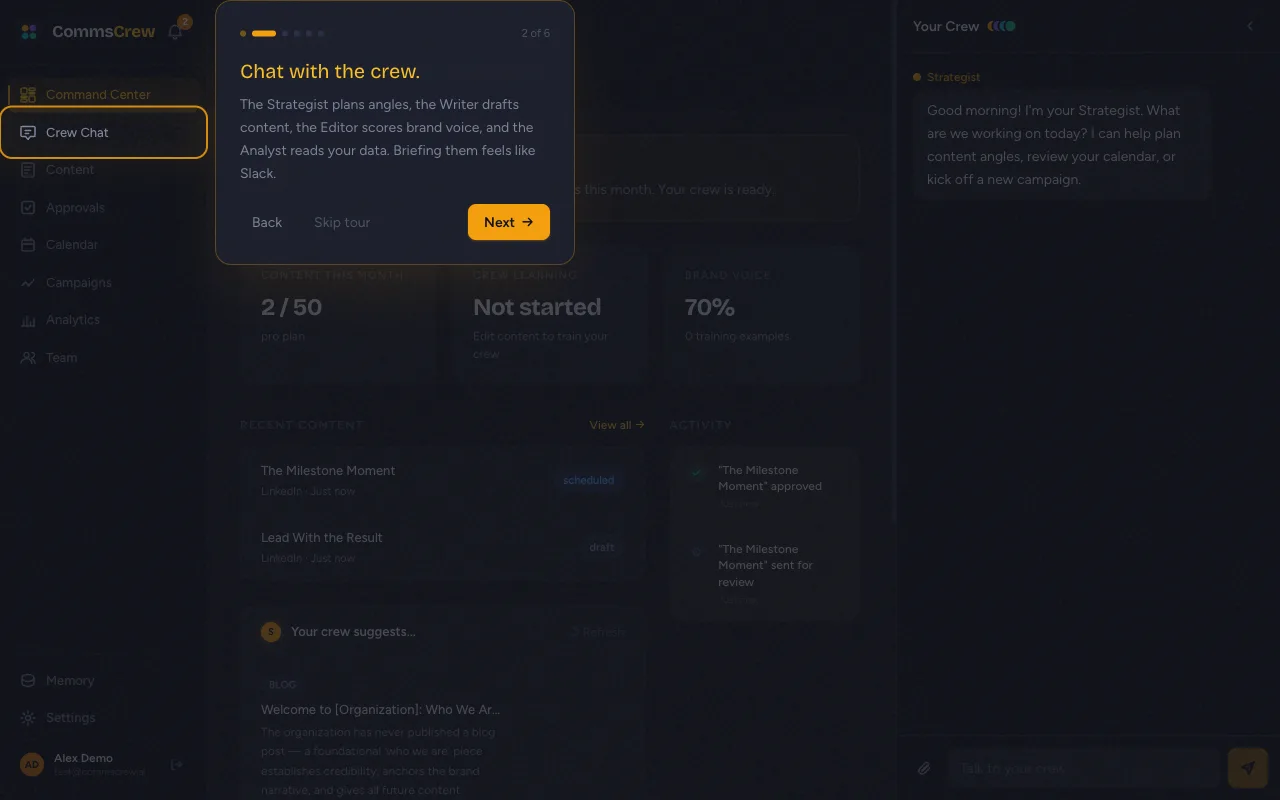
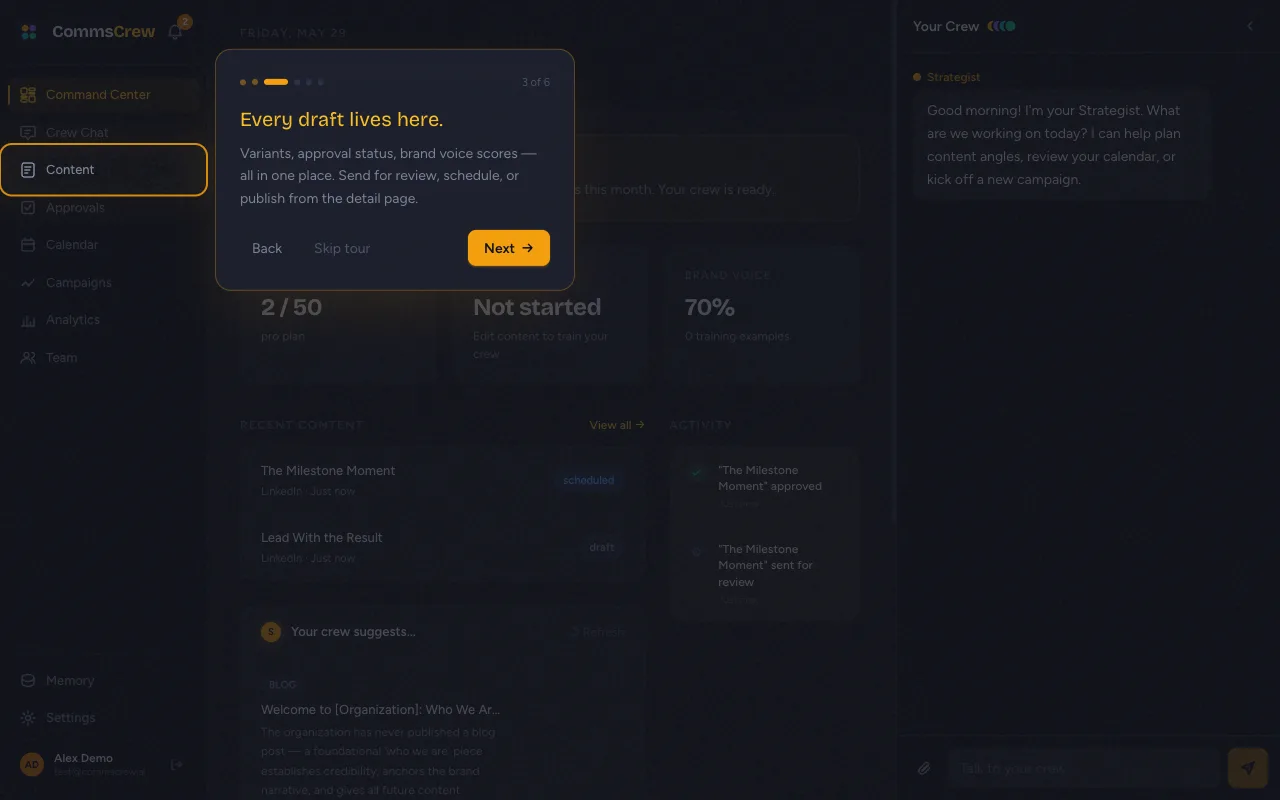
Tour state is stored in localStorage under commscrew:walkthrough:v1:done. To replay it, clear that key in your browser console.
The dashboard (Command Center)
The dashboard shows the date, a Strategist morning briefing, three KPIs, recent content, and three Strategist-generated suggestions for what to write next. The right side persistently shows the crew chat panel — you can ask quick questions without leaving the page.
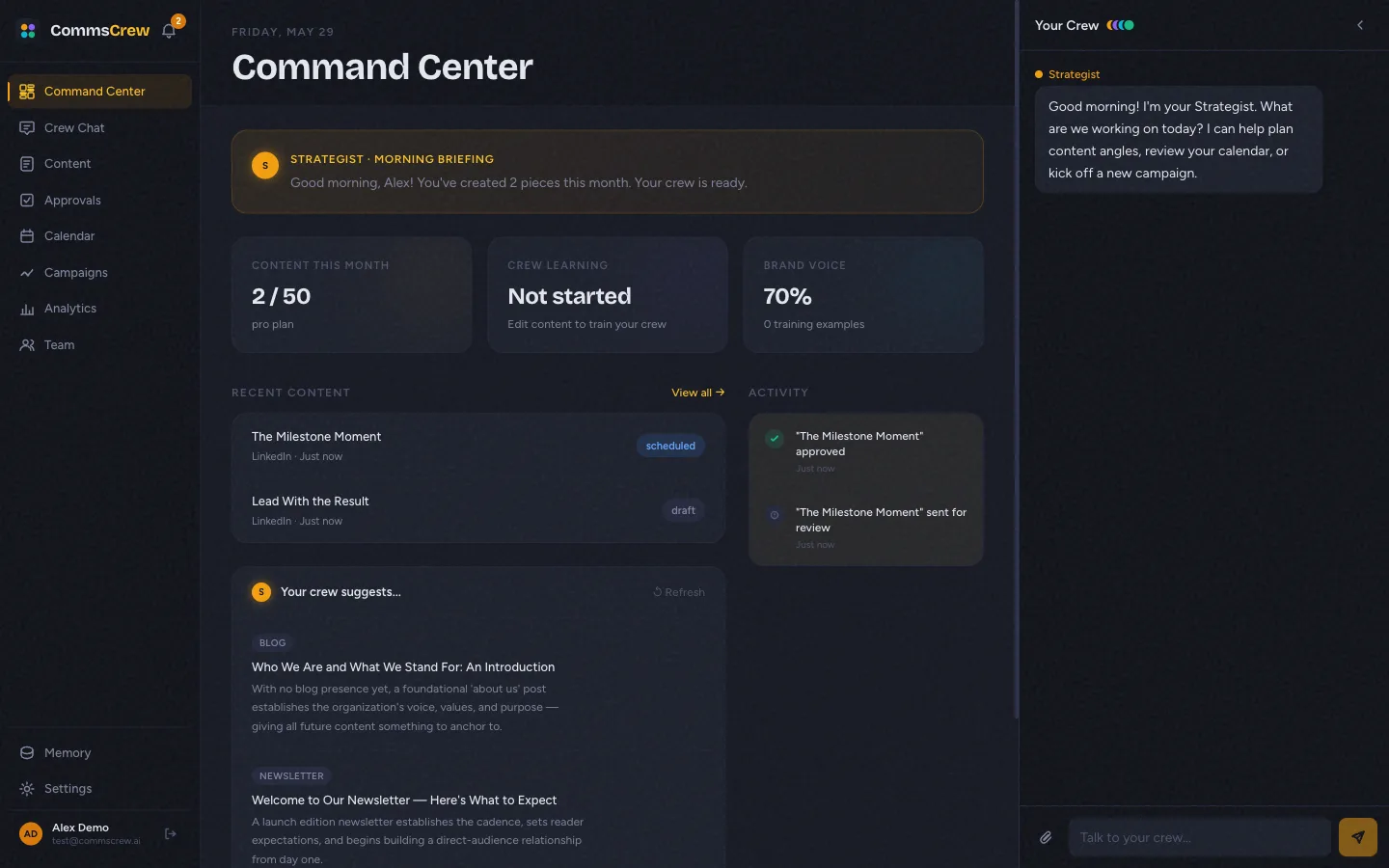
submit_suggestions tool on the Strategist with a forced schema. The output is structured (3 items) and was the fix for a class of empty-card bugs the Strategist would produce when returning JSON via prose.Honest limitations
- The onboarding wizard exists but isn’t covered in this doc. It captures brand voice, executives, and channels — flow is similar to the walkthrough.
- Walkthrough completion is per-browser (localStorage), not per-user. Logging in from a different browser triggers it again.
- There’s no “Replay tour” button in settings yet; clear the localStorage key to replay.
Next
Creating content →
How a one-line brief turns into three variants with brand-voice scores.